¶ Profile
You can navigate to the “Profile” page to view and adjust various settings.

¶ My Profile page
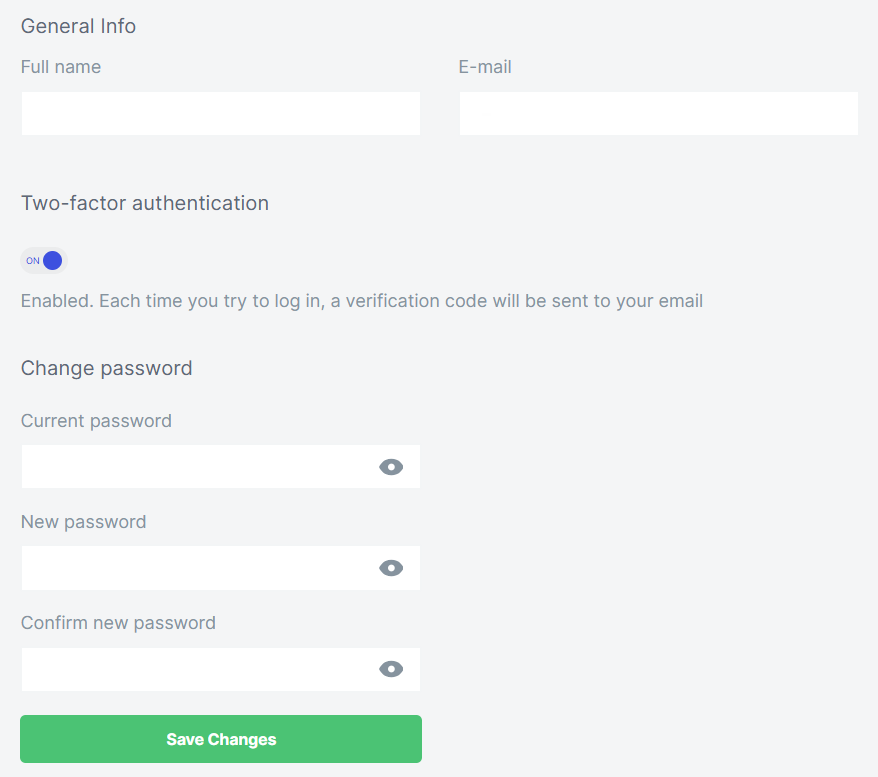
In the “My Profile” section, you can change and set your general information, enable two-factor authentication and change your password.
¶ API-keys
You can generate and delete keys in the “API Keys” section.

¶ Settings
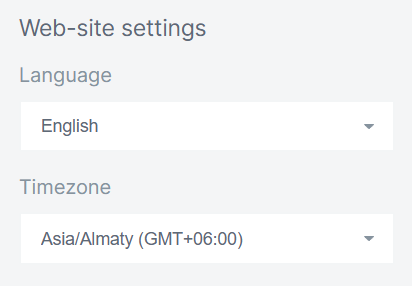
In the “Settings” section, you can set your preferred language and timezone.
¶ Invoices
In the “Invoices” section, you can find detailed billing information.

¶ White Label
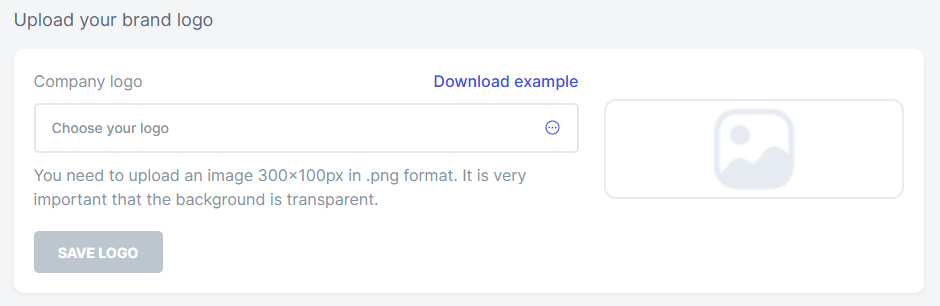
In the “White Label” section, you can add your brand logo to reports. Your image must be 300x100 pixels in .png format. For logo recommendations, click on “Download Example.”
¶ Team Members
In the “Team Members” section, you can add a teammate to monitor websites together.
For more information about team members, navigate here.

¶ Global Settings
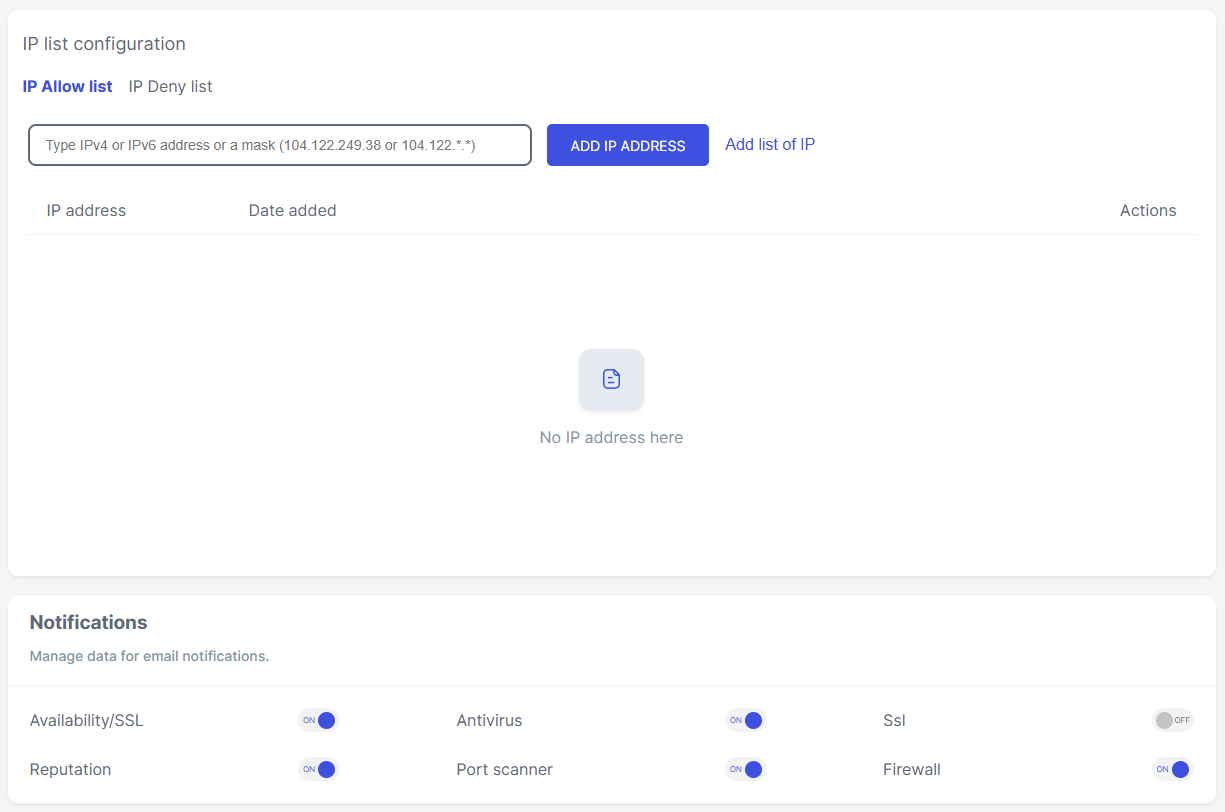
In the “Global Settings” section, you can allow or deny access to your website from specific IP addresses and manage module notifications. All rules created on this page will be applied to all websites in your account. To set separate rules for an individual website, go to the firewall settings of the required website and change the configurations there.
¶ WebTotem's IP addresses
Here you can find a list of our IP addresses so that you can whitelist us.